You can track a PTT shipment (Turkey Post) via the official PTT tracking page or a universal tracker by entering the tracking number. This number typically consists of two letters, nine digits, and the country code TR, for example, EA123456789TR. If the code doesn’t work immediately, first check the shipping label and contact the sender if in doubt.
In summary:
- Tracking issues often arise from typos in the tracking number, using the wrong tracker, or a shipment that hasn’t been registered yet.
- International updates may be delayed by several hours to days due to system transfers and customs processing, so a static status isn’t always a cause for concern.
- The PTT tracking number system typically follows the format of two letters, nine digits, and the country code TR, with EA prefixes for EMS shipments.
- If the status remains unchanged for over a week, it’s advisable to contact the sender or PTT with the full shipment details ready.
- Different PTT services provide varying levels of tracking information; EMS generally offers the most updates, while standard mail shows fewer details.
Step-by-Step Guide: How to Use PTT Track and Trace
The tracking number is usually found in three places: the shipping receipt you received at dispatch, the sender’s confirmation email, or the shipping label on the parcel itself. Without this number, you cannot check the status, so start there.
The steps are simple:
- Copy the tracking number exactly, without any leading or trailing spaces.
- Paste the number into the official PTT tracker or a universal tracker that supports multiple carriers.
- Read the status and timestamps: these show the country and stage where your parcel is located.
- If the status is unclear or blank, wait a moment and check again, especially for international shipments.
A few practical notes can make the difference between an error and a successful search:
- International updates are often delayed by several hours to a day, as data must be transferred between systems.
- Some tracking pages may not work properly without cookies or JavaScript enabled in your browser.
- A status that doesn’t change for a while isn’t always a problem: during transfers between carriers, information may remain static for a few days.
For users who want a step-by-step guide on how to find and enter a tracking number, the guide-to-finding-track-and-trace-numbers is a helpful follow-up.
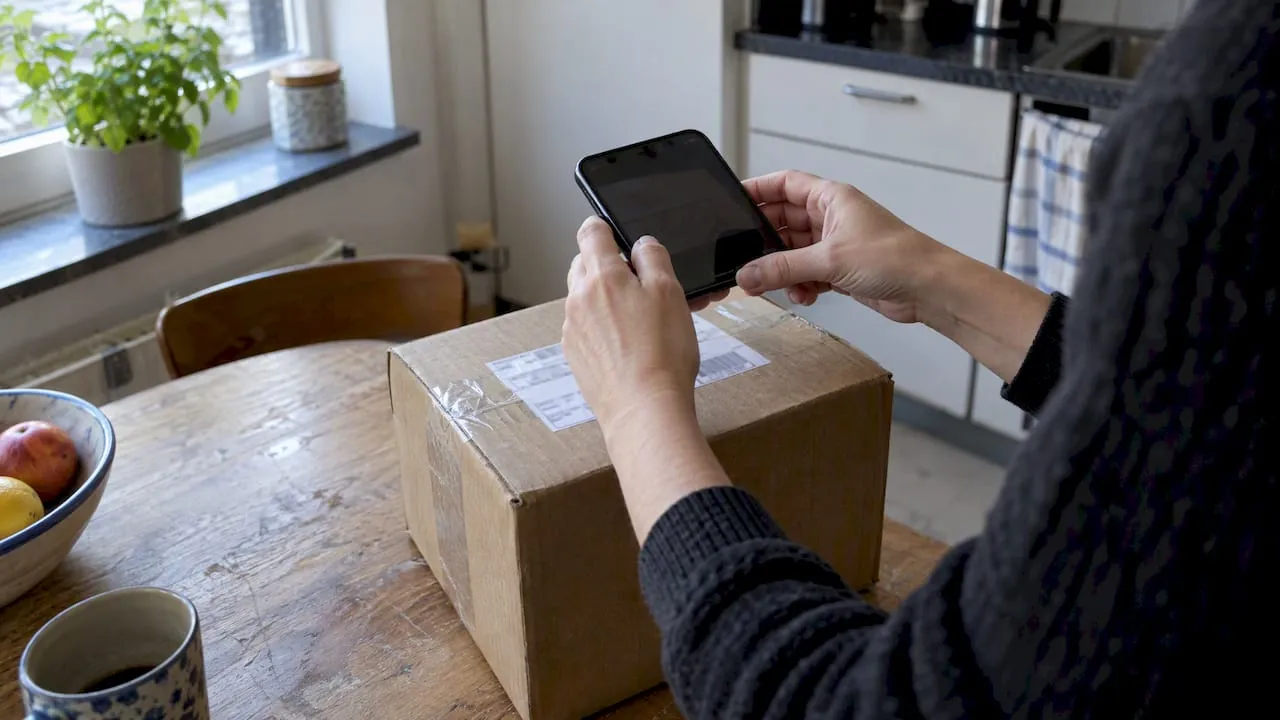
Pro tip: Take a photo of the shipping label immediately after dispatch: if the paper proof is lost later, you’ll still have the number digitally.
Recognizing PTT Tracking Number Formats: Examples and Explanation
PTT tracking numbers typically follow a fixed pattern: two letters, followed by nine digits, and the country code TR, for example, EA123456789TR. This format is part of an international standard used by many postal services, not just PTT.
The first letters indicate the type of shipment:
- EA usually denotes an EMS shipment (express international post).
- RA or similar combinations often indicate registered mail.
- Internal reference numbers from the sender look different and won’t work in the official tracker.
PTT tracking numbers typically consist of two letters, nine digits, and the country code ‘TR,’ as in the example EA123456789TR. This format and its recognition rules are explained on Go4Track, which also details how to find the number on receipts or labels.
Typos are the most common reason a number doesn’t work: a misplaced space, a capital O mistaken for a zero, or vice versa. Check the number character by character before concluding the tracker isn’t working.
Common Tracking Issues and How to Resolve Them
“Tracking not found” is the most common complaint with PTT shipments, and the cause is almost always one of these three things:
- The number was typed incorrectly or contains an extra space.
- The parcel was just dispatched and hasn’t been registered in the system yet, which can take a day or slightly longer.
- You accidentally used the wrong carrier’s tracker, while the number actually belongs to another link in the chain.
Customs processing and transfers between carriers or international hubs are the most common reasons for a static status. This doesn’t necessarily indicate a problem: a shipment may remain “in transit” for several days without updates while passing through customs or a transfer point.
If the status remains unchanged for over a week or you get no results at all, it’s time to take action. Contact the sender or PTT directly, and have this information ready:
- The full tracking number, exactly as it appears on the label.
- The dispatch date and, if known, the service used (EMS, registered, standard).
- Names and addresses of the sender and recipient for shipment identification.
Pro tip: Always ask the sender to keep a photo of the shipping receipt: in case of a dispute or claim, this is often the only proof that the shipment was actually sent.
More background on how to recognize and prevent delays is available in the guide with practical-tips-for-timely-delivery.
PTT Shipping Services and Their Impact on Tracking
Not all PTT services provide the same level of tracking information. This difference determines how much you can see during transit and how quickly updates appear.
- EMS (identified by the EA code) is the express service and typically provides the most intermediate updates, as each transfer is scanned.
- Registered mail offers a middle ground: you see the key steps but with less detail than EMS.
- Standard mail usually has the least tracking detail and often only shows dispatch and delivery, without intermediate steps.
For recipients in the Netherlands, it's useful to check which service was used upon receiving the confirmation email: this helps prevent incorrect expectations about how much tracking information you'll see along the way.
PTT customer service: what you need to have ready
PTT contact information is usually available on the official website or the shipping receipt you receive from the sender. Before reaching out, it's best to gather the following details to expedite the investigation:
- The tracking number exactly as stated on the label.
- The shipping date and the sender's name.
- A brief description of the shipment's contents.
If PTT is slow to respond, it's often quicker to first contact the sender: they typically have more direct communication with the shipping provider. Meanwhile, a universal tracker can serve as an additional verification tool, especially when the official tracker shows no results. More details on which information helps locate a shipment can be found in the guide on finding-a-postal-package-with-barcode-and-postcode.
Parcel International: practical guide to international tracking
For international shipments, tracking updates are not always synchronized between carriers. A package may be marked as 'delivered at gateway' by one party, while the receiving service has not yet processed it. This time difference explains much of the confusion around stalled statuses.
For customs inquiries or claims, it's advisable to gather the correct documents beforehand:
- The tracking number and a copy of the shipping label.
- The commercial invoice and, where relevant, the HS code of the contents.
- Contact details for both the sender and recipient for quick identification.
For those regularly handling international shipments, our guide on benefits-of-track-and-trace-for-ecommerce-shipments provides additional insights into how accurate tracking data reduces errors and costs.
Key takeaways from tracking international shipments
Always start with the sender and the package label, then check the official tracker or a universal tracker: this order minimizes frustration. A stalled status is more often a system delay than a lost package.
For recurring or business shipments, it pays to involve a logistics partner early to prevent delays from escalating into real issues.
— Pascal
Need help with international shipping and tracking?
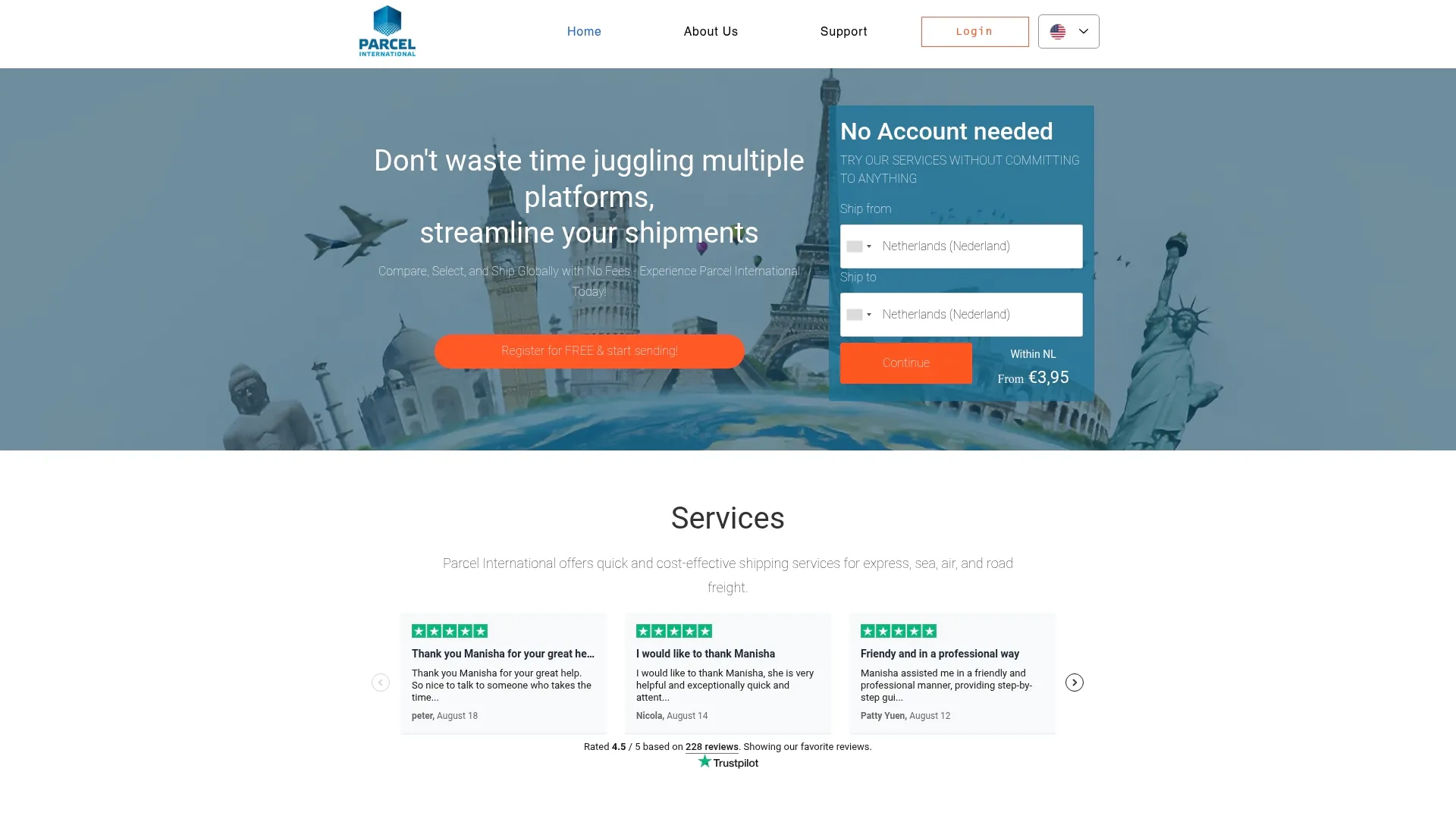
You can book and track an international shipment through our shipping services, where we allow you to compare express, sea, air, and road transport side by side without extra costs or a mandatory account. This is especially convenient when evaluating multiple carriers without searching each site separately.
Our support is particularly useful for:
- Business or recurring shipments where an overview of multiple carriers saves time.
- Customs complexity, where assistance is provided in compiling the correct documentation.
- Situations where a single point of contact is preferred over separate contacts per carrier.
Explore freight and shipping options on Parcel International and directly compare which service suits your shipment.
Can't find your question? Our support team is here for you 24/7 via the help centre.
How do I receive my tracking code?
After booking you get a tracking link with the label. The tracking number is also shown with the shipment in My Shipments.
What should I do if I'm not receiving tracking updates?
Check under Notifications that messages for that party are switched on, and that the email address and phone number on the shipment are correct. Updates only appear once the carrier has scanned the parcel.
Why does the tracker show 'not found' for my PTT shipment?
This usually happens because the number was mistyped, the shipment hasn't been entered into the system yet, or you're using the wrong carrier's tracker. Double-check the number letter by letter and wait a day if the shipment was just sent.
What does the EA number mean for PTT shipments?
A tracking number starting with EA typically indicates an EMS shipment, PTT's express service that usually provides more intermediate tracking updates than standard mail. This identification pattern is explained on Go4Track, along with examples of other letter combinations.
Is standard mail with PTT as trackable as EMS?
No, standard mail usually shows fewer intermediate steps and often only reports dispatch and delivery. Registered mail and EMS generally provide more detail, as each transfer is scanned.
Get a grip on your parcel shipping
Compare carriers, choose the best price and keep track of your international shipments. You can calculate and book without an account.