Enter your Yodel tracking number into the tracker to see the current status. If it shows 'Delivered' but you haven’t received anything, first check safe locations, neighbors, or the reception desk. If the status remains unchanged for a long time, contact the online store first and keep all correspondence before escalating further.
In short:
- If the status remains 'Delivered' but you haven’t received your package, check the delivery location and secure areas before contacting the online store.
- The Yodel tracking number usually starts with 'JD' and should be entered directly into the official tracker or 17track without extra spaces or characters.
- If the tracking status remains unchanged or there are delays, first check the internal location, then contact the online store, and only then reach out to Yodel directly.
- For business addresses, the tracking status is often marked as 'Delivered' even if the package still needs to be passed on internally, which can cause confusion.
- In case of loss or damage, gather all evidence and typically wait two weeks before filing a formal complaint with Yodel or the online store.
How to Find and Enter Your Yodel Tracking Number
Your shipment’s tracking number is usually found in three places: the shipping confirmation email you receive, on the order page of the online store itself, or in a separate shipping notification sent after your order is packed. Yodel numbers are typically long alphanumeric codes with around sixteen characters and often start with 'JD,' such as JD0000123456789, according to Traizr.
How to Enter the Number Correctly:
- Copy the number directly from the email or app instead of typing it manually.
- Paste it into the official Yodel tracker or a universal tracker like 17track, which supports Yodel shipments.
- Check for any extra spaces or characters that may have been accidentally copied, as these can break the search.
- Review the status and, if available, the delivery photo or time window.
If you prefer using an app, find notifications and real-time updates in the Yodel by InPost app, available in the App Store. If you’d rather search directly by barcode or postal code, this guide-to-searching-postal-packages offers an alternative method.
Meaning of Yodel Tracking Statuses
Each status provides different information about where your package is and what you may need to do next.
- Received / We Have It: The package has arrived at a sorting center and is awaiting further processing.
- Out for Delivery: The local driver is on the way, often with a specific time window for that day.
- Delivered: The package has been left in a safe place, with a neighbor, or at a pickup point; verification is required.
- Delivery Attempted: The courier could not deliver the package, which may now be available for pickup or a new delivery attempt.
- Delayed: The delivery is taking longer than planned, usually due to high volume or a hub transfer.
If the status shows 'Delivered,' the first thing to do is check the delivery photo and location details, which often show exactly where the courier left the package. Tracking updates may sometimes stall for hours or days during transfers between sorting centers and then suddenly jump to 'Out for Delivery',, which, according to Traizr, is often normal during busy periods. This doesn’t automatically mean something is wrong, but it’s a good time to stay alert for further updates.
Step-by-Step Guide: What to Do If Tracking Stalls, Is Delayed, or the Package Doesn’t Arrive
If the status doesn’t change or the package appears to be missing, follow this order:
- First, check the location details and delivery photo in the tracker, and for business addresses, inquire at the reception or mailroom.
- Contact the online store where you placed the order, as they have the order details and can often liaise more quickly with the carrier.
- If necessary, then contact Yodel directly with your tracking number ready.
- Save every interaction with timestamps, screenshots, and copies of all correspondence.
- For a standard delay, wait a few days, but escalate immediately if there are clear signs of loss or damage.
Pro Tip: Keep timestamps and screenshots of every interaction—this proves crucial for a successful claim or complaint.
Special Considerations for Offices, Universities, and Apartment Complexes
For business addresses, the tracker often stops showing updates at 'Delivered,' even if the package still needs to be passed internally from reception to the mailroom or department. This accounts for a large portion of reports about missing shipments at large addresses, as explained by Traizr.
If in doubt, follow this checklist before reporting a package as missing:
- Ask at reception if any packages arrived that day for your name or department.
- Check with the mailroom to see if the package has already been sorted for internal distribution.
- Ask colleagues near the receiving area if they’ve seen anything.
- Forward the tracking notification with the number and name to the correct department to speed up internal handling.
When and How to File a Formal Complaint for Loss or Damage
Before filing a complaint, gather the necessary evidence: the tracking number, screenshots of each status, the delivery photo (if available), and all emails with the online store or carrier.
- For a standard delay, typically wait two weeks unless there is clear evidence of loss or theft.
- First, file a complaint with the online store or carrier, including all evidence.
- If that doesn’t resolve the issue, file a formal complaint through Yodel’s complaints procedure and involve the online store where you placed the order.
- A well-documented contact path, from the online store to the carrier to the regulator, significantly speeds up resolution.
Quick Tips to Avoid Confusion and Missed Deliveries
Enable notifications in the app or via email to automatically receive alerts for every status change, preventing confusion or missed deliveries. Always provide a clear delivery address with a safe location and document recurring issues—this serves as valuable evidence for future complaints.
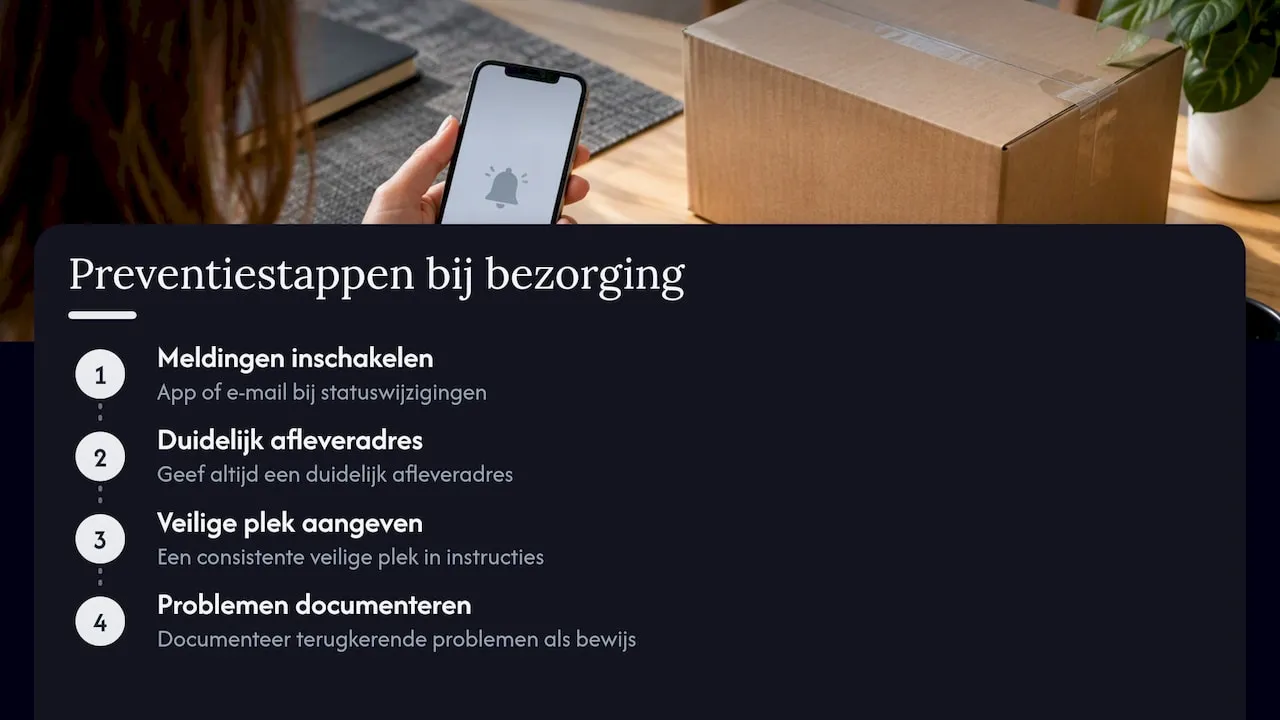
Pro tip: including a consistent safe location in your delivery instructions will save you the most back-and-forth communication in the long run.
Parcel International’s perspective on tracking and transparency
Since 2007, we’ve handled shipments to over 220 countries and territories, and that scale quickly teaches you how much confusion an unclear tracking status can cause. Reliable comparison tools and clear tracking make the difference between a recipient who waits patiently and one who files an unnecessary complaint. Transparency about a shipment’s whereabouts isn’t just convenient—it prevents most escalations before they’re needed.
— Pascal
A discreet solution for international shipments: Parcel International
Anyone shipping parcels or freight internationally quickly realizes that visibility and tracking are just as important as price. A service that compares shipping options from multiple carriers without extra costs or minimum order requirements, with a simple booking process and automated documentation.
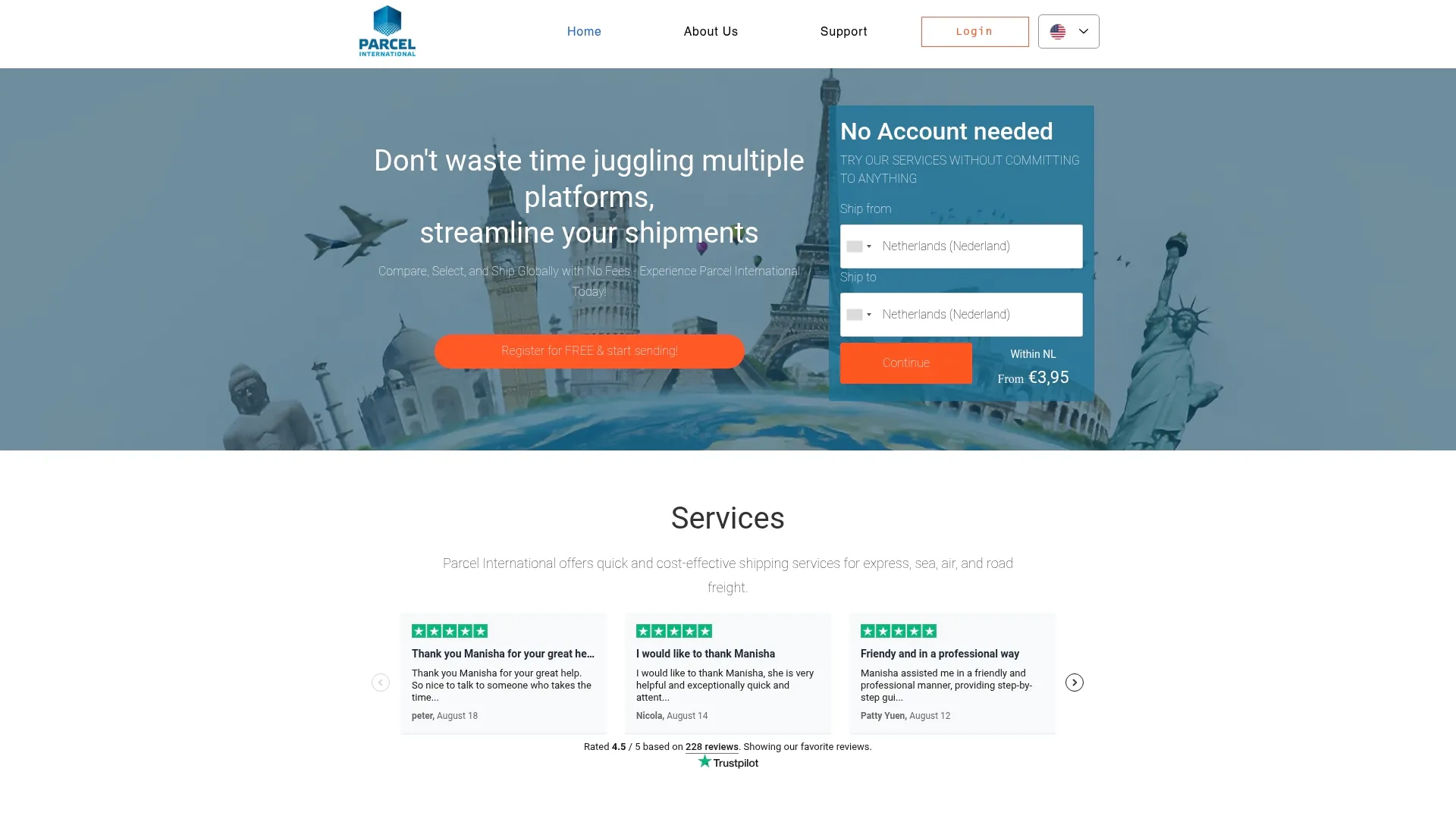
- Compare multiple carriers directly for express, air, sea, or road transport.
- Track your international shipment with clear tracking, no account required.
- Automate customs documentation for international shipments.
Explore the options on the Parcel International website and compare your shipping options for your next international shipment.
Can't find your question? Our support team is here for you 24/7 via the help centre.
What should I do if I'm not receiving tracking updates?
Check under Notifications that messages for that party are switched on, and that the email address and phone number on the shipment are correct. Updates only appear once the carrier has scanned the parcel.
How do I track my Yodel parcel with a tracking number?
Enter the tracking number, usually a code of around 16 characters often starting with “JD,” on the official Yodel tracker or a universal tracker like 17track. Always copy the number directly from your email to avoid typing errors.
What does it mean if my Yodel parcel shows as delivered but I haven’t received it?
First, check the delivery photo and location details in the tracker, as these often show a safe place, a neighbor, or a pick-up point. For business addresses, this can also occur if the reception or mailroom still needs to forward the parcel internally, as described by Traizr.
How do I file a complaint for a lost or damaged Yodel parcel?
First, gather all evidence: tracking number, screenshots, and emails with the online store or carrier. If a direct complaint stalls, use Yodel’s complaints procedure and involve the online store where you placed the order.
Can Parcel International help with tracking international shipments?
There are platforms that offer comparison of shipping options and tracking for international shipments across multiple carriers, without additional costs or mandatory accounts. This is particularly relevant for those who ship parcels or freight internationally themselves, not for tracking an existing Yodel parcel.
Get a grip on your parcel shipping
Compare carriers, choose the best price and keep track of your international shipments. You can calculate and book without an account.