Track your parcel on the official DPD UK tracking page using your parcel number or card and PIN, and enter the full UK postcode if requested. You’ll immediately see a status line with the date, time, and location, and on the delivery day, a live window often activates with an estimated arrival time.
In summary:
- If the status shows “delivered,” always verify the exact date, time, and location, and confirm with the sender whether the parcel was actually handed over.
- Live tracking usually appears on the day of delivery and can be accurate up to 30 minutes, so wait until the morning of the delivery day before contacting support if the window is missing.
- If tracking stalls or displays incorrect information, document the last scans, request confirmation of handling, and use evidence such as screenshots when contacting the carrier.
- Use the tracking endpoint from the Label Print documentation to integrate DPD tracking into systems, and log status, location, and timestamp to quickly identify issues.
- For customers who prefer not to search themselves, Parcel International offers a platform for comparing shipping options and tracking shipments, including assistance with unclear status information.
How to Use the Official DPD UK Tracking via Web, App, and Notifications
DPD UK has separate tracking routes for delivery, pickups, and shipments sent via DPD Online. Go to DPD Tracking at tracking.dpd.co.uk and select the route that matches your shipment type, or use the myDPD app for the same information on the go. If you can’t immediately find the right channel, refer to the guide on matching your shipment type to the correct DPD tracking channel.
When entering details, follow these key rules:
- Enter the parcel number or card number exactly, including uppercase letters and numbers, without adding extra spaces.
- Use the full UK postcode when requested, including the part after the space, as an incomplete postcode is often rejected.
- If you receive an error, first check whether the sender provided the correct number, as a typo in the email is the most common cause.
If a number still doesn’t work, the difference between a created shipping label and a physically collected parcel is often the explanation: a label may be visible before DPD has actually received the parcel. For correct address formatting for a UK destination, refer to the page on how-to-write-a-uk-address.
Live Tracking and Predict: What the Window Shows and When
Live tracking and similar features display a delivery window and typically activate only on the day of delivery, once the vehicle leaves the depot, according to mydpd-documentation-on-tracking. The same source mentions accuracy of up to 15 to 30 minutes in some countries, though this varies by network and traffic conditions. If you want to know when DPD usually delivers during the day, the explanation of delivery-times-and-delivery-window provides more clarity.
Once the window is active, you’ll typically see one of these options:
- Redirect your parcel to a different address or a nearby parcel shop.
- Change the delivery location, such as to a neighbor or a safe place.
- Pre-authorize leaving the parcel without a signature.
Pro tip: If you don’t see a live window yet, wait until the morning of the delivery day before contacting support: most windows appear only once the route planning for that day is finalized.
Reading Status Updates: What Each Message Means and What to Do
A status line is only useful when read alongside the date, time, and location—not as a standalone word. Guidelines on status interpretation emphasize that an electronically created label is not proof that DPD has physically taken over the parcel. Here’s how to interpret the most common statuses:
- Label created: the sender has registered the shipment, but DPD has not yet received the parcel, so wait at least a day.
- In transit: the parcel is moving through the network; only check the most recent location and time.
- Out for delivery: today’s delivery round has started—this is the time to check the live window.
- Delivered: the notification should include a timestamp and sometimes a photo or signature; compare this with what you actually received.
- Delivery failed: a reason is usually provided, such as absence or an inaccessible address, which determines the next step.
If you’re unsure about the correct country setting for an international shipment, refer to the explanation of the DPD network in different countries, as the wrong portal may show incomplete or outdated status information.
What to Do If Tracking Stalls or “Delivered” Doesn’t Match Reality
Start by documenting the last physical scan and comparing it with the expected delivery date. Practical guidelines recommend first verifying whether a physical handover actually took place, as only a scan at a depot or by a driver confirms the parcel is truly in the network.
Follow these steps if the status stalls or doesn’t match reality:
- Take a screenshot of the status page showing the timestamp, date, and location.
- Photograph any damage or unusual situations immediately upon receipt, before discarding the packaging.
- Ask the sender to confirm whether the parcel was actually picked up or handed over to DPD.
- Contact the carrier or sender with the parcel number, date, and the last known status at hand.
Pro tip: Always keep the original parcel number and confirmation email, as customer service requires these exact details to initiate an inquiry.
Consider redirecting to a parcel shop if home delivery repeatedly fails. For the correct contact approach in similar situations, the contact page for DPD provides an overview of channels and required details.
Tracking via API and Label Printing: The Foundation for Business Integration
For developers looking to integrate tracking, the DPD Label Print documentation offers a REST endpoint that works with parameters such as the parcel number and language code. The response includes fields like the status name, a readable description, location, date, and flags indicating whether a step has been reached and which status is current.
A typical status progression looks like this:
- Accepted by the sender, followed by arrival at the shipping depot.
- In transit between depots, then arrival at the delivery depot.
- Delivered, as the final step in the sequence.
Common error codes include 401 for invalid authorization and 404 when the parcel number does not exist, as described in the Label Print troubleshooting documentation. Companies integrating this into their own systems can read more about shipping options in the context of DPD Business.
How Parcel International Helps with DPD Tracking and Shipping
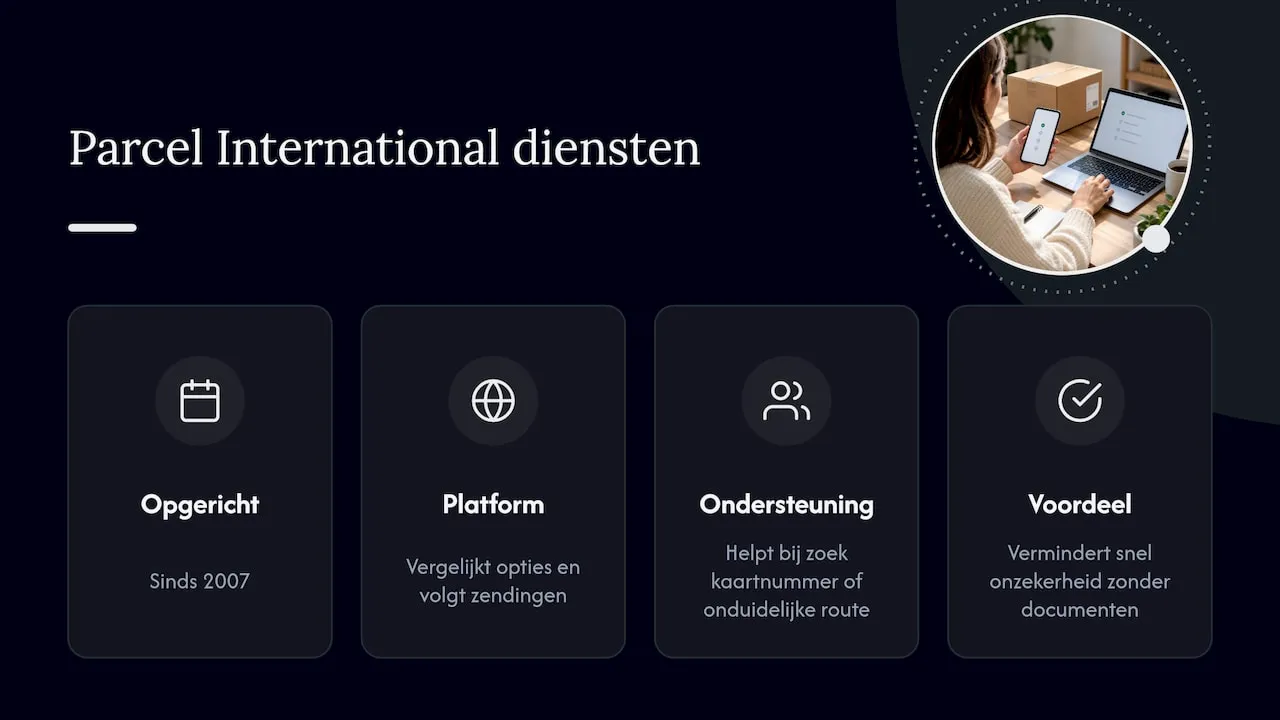
Parcel International has been operating since 2007 and provides via Parcelinternational a platform where users can compare shipping options and track shipments. When a tracking number is missing, the correct route is unclear, or an inquiry is needed, services are available to assist customers in retrieving these details for shipments booked through a shipping platform. This practical support is designed to quickly reduce uncertainty about a status without requiring you to sift through all the documentation yourself.
Practical Rules for Reliable Tracking
A physical scan carries more weight than an electronic label: that’s the rule of thumb to avoid most confusion. If you need to act quickly on a tracking issue, first gather the parcel number, date, and last status, then choose the appropriate contact channel—the sender if there’s doubt about pickup, the carrier if a status line is stuck. For businesses, it pays to integrate tracking APIs and systematically log status codes so that a missing scan is immediately noticeable rather than only after a complaint.
— Pascal
Book and Track Shipments via Parcel International
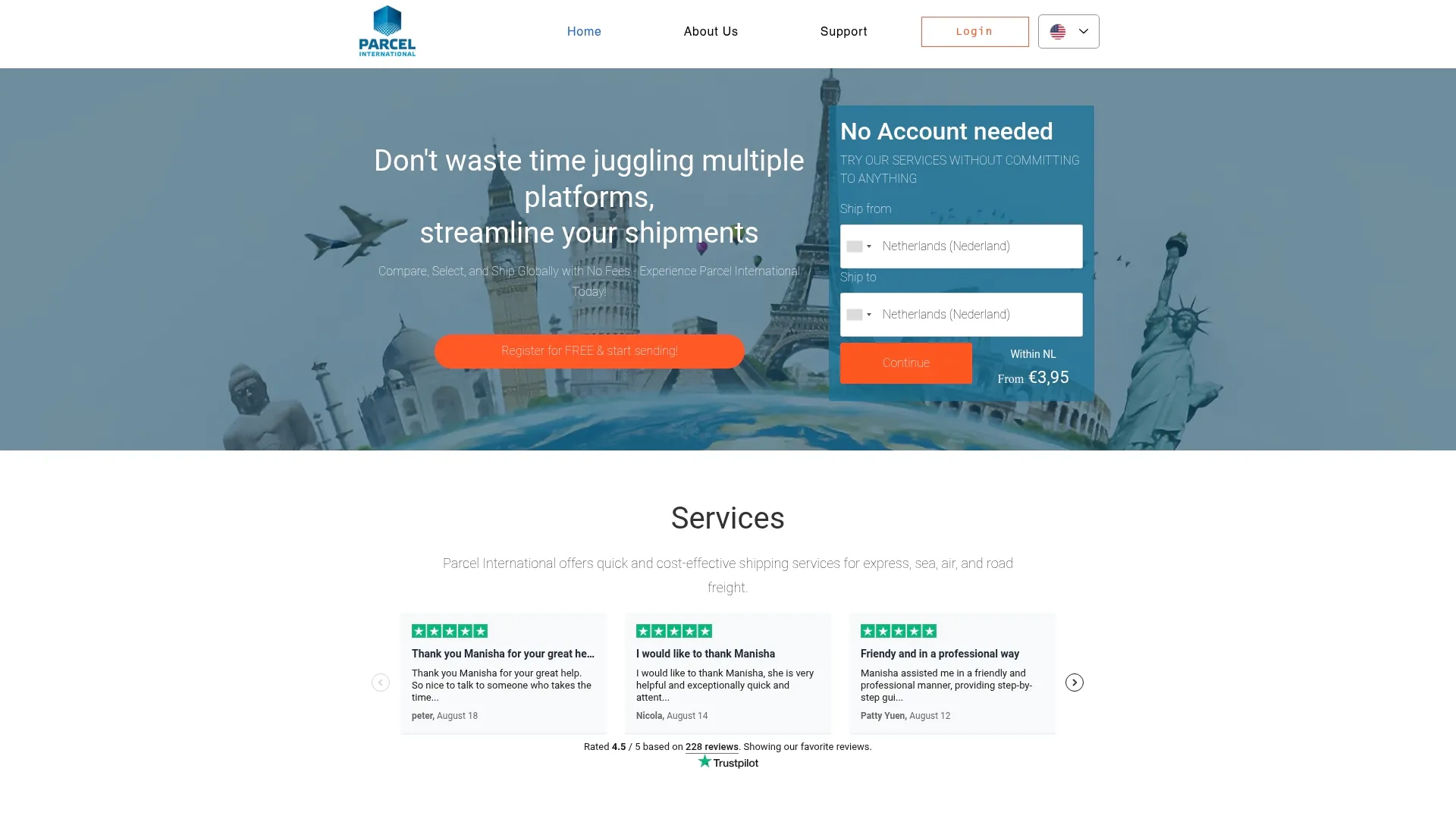
If you prefer not to switch between different DPD portals and status pages, you can book and track a shipment directly via Parcel International. The platform compares carriers, lets you choose a shipping option, and provides support for tracking your shipment from booking to delivery.
In practice, this means:
- One overview to compare shipping options instead of searching through individual carrier sites.
- Support for looking up tracking numbers or routes when a status remains unclear.
- Assistance with inquiries for shipments booked through the platform.
Note: Parcel International can only manage and follow up on shipments booked through its own platform. If you’re considering a shipment, review the options for air-freight-and-sea-freight and start the booking on Parcelinternational.
Can't find your question? Our support team is here for you 24/7 via the help centre.
What does it mean if my status shows “delivered” but I haven’t received anything?
First, check with neighbors, the reception, or other secure delivery locations around your address, and see if there is a photo of the delivery attempt in the app. If that yields nothing, contact the online store, which will escalate the complaint to the carrier.
My tracking number isn’t working, what now?
First, check if you have copied any spaces or incorrect characters and if you are using the correct type of number. Then, ask the sender for proof of physical handover, such as a receipt or scan confirmation, before contacting customer service.
Where do I track my DPD parcel in the United Kingdom?
Use the official DPD UK tracking page with your parcel number or card and PIN, and enter the full UK postcode when prompted. The myDPD app displays the same information for shipments in transit.
When will live tracking become visible for my shipment?
Live tracking typically activates on the day of delivery, once the vehicle has left the depot, with a window that is sometimes accurate to within 15 to 30 minutes. If you see nothing, wait until the morning of the delivery day.
How do I integrate DPD tracking into my own system?
Use the tracking endpoint from the Label Print documentation with the parcel number and the desired language code as parameters. Log fields such as status, location, and timestamp systematically, and include checks for error codes like 401 and 404.
Get a grip on your parcel shipping
Compare carriers, choose the best price and keep track of your international shipments. You can calculate and book without an account.