You can find a parcel by entering the barcode without spaces, followed by the postal code in the carrier’s search function or a universal tracker. Most services will then immediately show the status or last known location of your shipment. If you don’t have the barcode, the order number from the online store usually works as an alternative.
In short:
- Without a barcode or order number, it is usually difficult to track your parcel unless you have an alternative from the online store.
- If a ‘delivered’ notification appears but you haven’t received the parcel, it is often due to neighbors, a safe drop-off location, or a delay with the carrier.
- If the status remains unchanged for an extended period, contact the carrier or online store, especially if no further scans are recorded.
- For international shipments, first use Global Track & Trace, then check with the national postal service, particularly if the code is unusual or missing.
- Actively tracking your parcel helps identify issues early and resolve delays or disappearances more quickly.
Step-by-step: how to track your parcel
Before you start searching, you need two things: the shipment’s barcode and your postal code. Without this combination, many tracking systems will not provide results, even if the parcel is in transit.
- Find the barcode in your shipping confirmation, the email from the online store, the label on the parcel, or the postal receipt.
- Enter the code exactly, without spaces, and pay close attention to the difference between uppercase letters, numbers, and the letter O versus the number 0.
- Enter your postal code in the search field; for a Dutch shipment, this is four digits followed by two letters.
- Click search and read the status that appears.
If you don’t have the barcode handy, you can usually search using the order number via the online store’s order account. A guide-to-finding-tracking-numbers-in-the-netherlands shows where that code is typically located if you can’t find it right away.
You have several search options:
- The carrier’s national track & trace page, such as PostNL or DHL.
- A carrier’s app, which also provides push notifications for status updates.
- A universal tracker that recognizes multiple carriers based on the barcode format.
If it involves a specific carrier, the guide on how-to-track-a-dpd-parcel will help you with the correct search steps.
Pro tip: save the barcode as a photo on your phone as soon as you place the order, so you never have to search for a lost receipt.
What do the statuses mean during tracking?
Each status update tells you something different about where your shipment is and whether you need to take action.
- Processing: the shipment has been registered with the carrier but not yet picked up.
- In transit: the parcel is traveling between sorting centers or to the destination region.
- At sorting center: the shipment is being scanned and forwarded to the next step.
- Out for delivery: the courier has the parcel for delivery that day.
- Delivered: the carrier registers the shipment as delivered to the specified address.
A night without an update is usually normal, especially during overnight transport between sorting centers. However, if a shipment remains on the same status for several days without a scan, contacting the carrier is advisable.
During a handover between carriers, such as from an international postal service to a local courier, the status may temporarily disappear or change. Machine-readable barcodes identify the shipment, but the current location always comes from the database of the carrier currently responsible, as explained in the euipo-guide-on-machine-readable-codes . If the status remains unchanged for several days, calling is more effective than waiting.
What to do if tracking shows ‘delivered’ but your parcel is missing
A ‘delivered’ notification without the parcel in hand is frustrating but usually resolvable with a few targeted checks.
- Check with neighbors, the reception, or a safe location near your door; couriers often leave a photo of the drop-off spot in the app.
- Verify if a pickup notice was left for a parcel point or service point nearby.
- Contact the online store or sender: in the Netherlands, it is the sender who files an official complaint with the postal company, not the recipient, as described in the dutch-government-advice-on-postal-delivery-complaints.
- Gather evidence: the shipping receipt, the order email with the order number, and, if possible, a photo of the empty drop-off location.
- Consider an insurance claim or, if theft is suspected, a police report if the online store advises it.
As a recipient, you usually cannot initiate your own investigation with the carrier. The sender must start this process, which means communicating quickly and clearly with the online store is the most important first step.
Pro tip: send the online store a screenshot of the tracking status immediately—this significantly speeds up complaint handling.
International shipments and S10 codes: when updates stop
For shipments from outside the Netherlands, you often see a 13-character code starting and ending with letters, with nine digits in between. This is the S10 identifier, a Universal Postal Union standard used worldwide for parcels, EMS shipments, and registered mail, as stated in the upu-standard-for-s10-post-identification.
The presence of an S10 code does not automatically mean you will receive full delivery confirmation: this depends on the product and the route the shipment takes, as explained in the WCO-UPU customs guide for mail.
Start with Global Track & Trace, then check via the national postal service if that yields no results.
This is advised in the UPU guide for tracking postal shipments, as a parcel may pass through multiple postal organizations before reaching you.
Practically, this means:
- Begin with the universal Global Track & Trace tool, not directly with the local carrier.
- If you can't find it, check the national postal service website in the delivery country.
- If your postal code doesn't match the foreign format, consult a guide to find foreign postal codes correctly.
- Keep customs documents on hand: they sometimes delay the latest tracking update without anything going wrong.
Practical experience of Parcel International with international shipments
Parcel International has been developing international shipping solutions for consumers and businesses since 2007, with expertise in express, sea, air, and road transport.
A few practical lessons from that experience:
- Check the barcode and postal code first before investigating further for the cause of delay.
- Always keep the shipping receipt, digitally or on paper, until the shipment has actually arrived.
- Ensure customs forms are fully and correctly completed for international shipments to prevent tracking delays.
Why accurate tracking prevents misunderstandings
Those who actively track their shipment often spot issues sooner than when passively waiting for a notification. A package that remains on the same status for several days is a signal, not something to ignore.
A saved shipping receipt and a screenshot of the latest status save time if you need to file a complaint with the online store. Follow the steps in this guide precisely, and seek help in time if something doesn’t add up.
— Pascal
Shipping internationally with tracking support yourself
If you ship packages abroad yourself, you’ll quickly notice that each carrier uses its own tracking format and rules. Some platforms compare multiple international carriers at no extra cost and with no minimum order requirements, allowing you to choose what best suits your shipment.
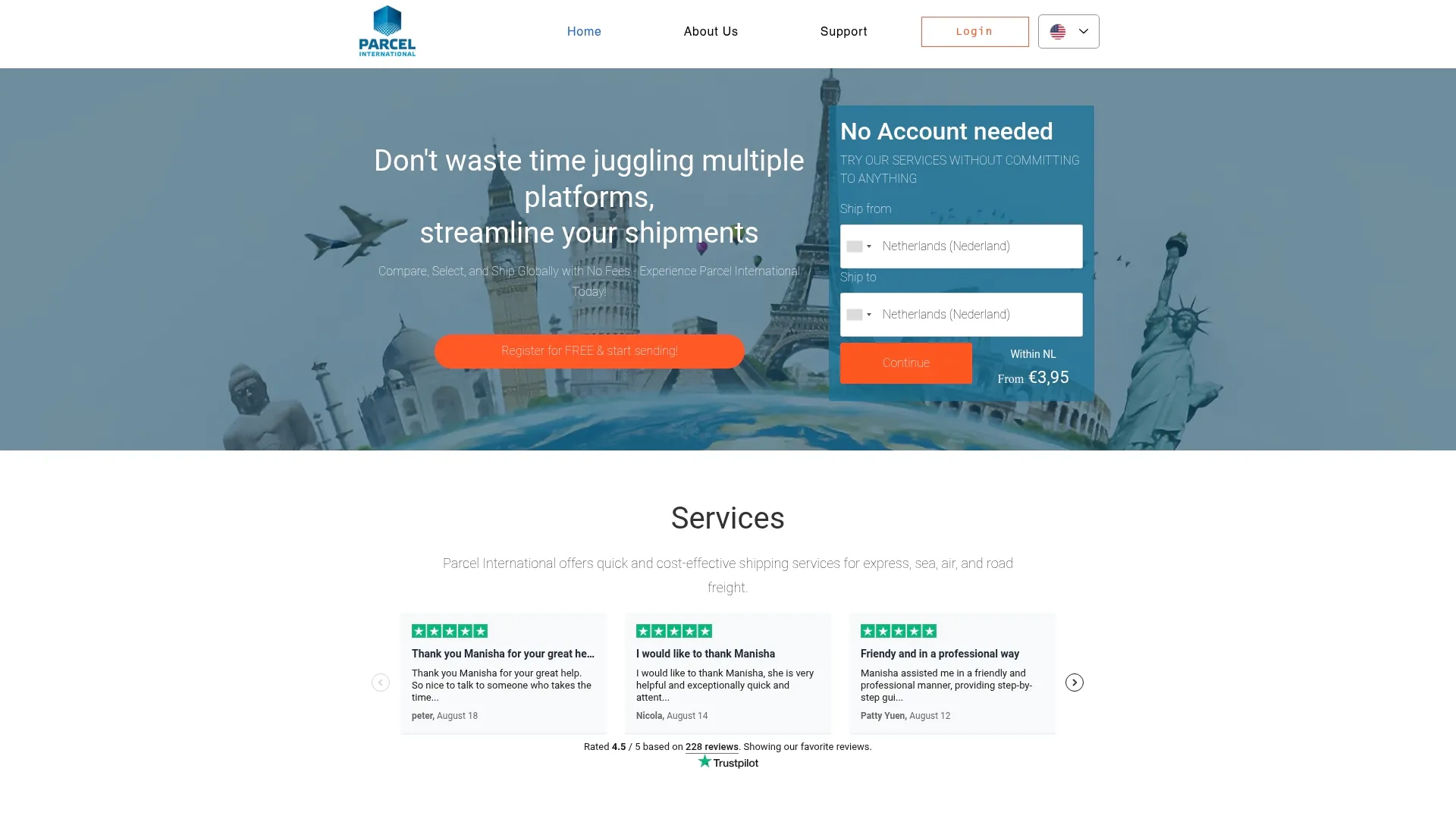
In addition to options for express, sea, air, and road transport, some platforms also handle customs and return documentation automatically, which can help prevent future tracking issues. To find out which shipping option best fits your package or freight, check the options on the Parcel International website or get assistance with setting up your next international shipment via the freight services page.
Sources
For international S10 codes and the recommended search order, consult the UPU guide for postal shipments. For the complaints process in the Netherlands, refer to the Dutch government’s advice.
Can't find your question? Our support team is here for you 24/7 via the help centre.
How do I track the status of my shipments?
Use the tracking code you received when booking your shipment to monitor the progress of your packages. Check regularly for updates on delivery status and contact customer service in case of any delays.
How do you know if PostNL has lost your parcel?
If the status remains unchanged for days without a new scan, this is a sign to contact the carrier or the online store. Report your parcel to the sender, as they must file the official complaint with the postal service according to the Dutch government’s advice.
What does it mean if my status shows “delivered” but I haven’t received anything?
First, check with neighbors, the reception, or other secure delivery locations around your address, and see if there is a photo of the delivery attempt in the app. If that yields nothing, contact the online store, which will escalate the complaint to the carrier.
Is there a parcel on its way to my address without me receiving a notification?
This can happen if the sender does not automatically share tracking information with you or if the shipment is still in an early processing stage. In this case, request the order number and barcode from the online store and use them to search directly via the carrier’s tracking page.
What if my international shipment receives a different tracking code during transport?
This often occurs during handover between postal organizations, where the original S10 code is replaced by a local number from the delivering carrier. In this case, search again via the national postal service of the destination country using the new code, as described in the UPU standard for S10 identification.
Get a grip on your parcel shipping
Compare carriers, choose the best price and keep track of your international shipments. You can calculate and book without an account.