Enter your tracking number on the DPD tracking page or open the myDPD app to instantly view delivery status and available delivery options. If you don’t have the number, check your email or order confirmation. Use the app to adjust your delivery preferences or select a pick-up point. If you can’t find anything, contact the sender or DPD customer service.
In short:
- You’ll typically find the tracking number in the shipping confirmation email, SMS, or your online shop account, and it must be entered exactly on the DPD tracking page.
- The app provides faster status updates and notifications and allows you to easily change delivery preferences.
- If you’re not home, you can choose a pick-up point, have the parcel delivered to a neighbor, or arrange a safe place for drop-off.
- Rescheduling the delivery day should be done as early as possible, preferably before the courier departs for the day, to avoid surprises.
- For unknown or unexpected deliveries, check your inbox and use the tracking page to identify the sender.
How to Track a DPD Parcel Step by Step
Every DPD parcel receives a tracking number as soon as the sender registers the shipment. You’ll usually find this number in one of three places: in the shipping confirmation email, in a DPD SMS, or in your account overview on the online shop where you placed your order. Large online shops often display the number directly under “my orders.”
Here’s how to track your shipment:
- Go to the official DPD tracking page and enter the tracking number exactly, including uppercase letters and numbers.
- View the status page, which shows updates such as “collected from sender,” “in transit to sorting center,” “out for delivery,” and “delivered.”
- Pay attention to the delivery window. DPD often provides a time slot so you don’t have to wait all day.
- Save the link or note down the number, especially if you need to check again later.
Can’t find the number? Search your inbox for “DPD” or “shipment” and check your spam folder. If that doesn’t work, the quickest solution is to ask the sender directly for the tracking number. If that doesn’t resolve the issue, contact DPD customer service.
myDPD and the DPD App: Faster Login, Faster Updates
The browser version of the tracking page works well for a quick check, but if you frequently receive parcels, the app saves time. myDPD automatically sends notifications for every status change, displays a time window, and lets you adjust delivery settings with just a few taps. This precision in time slots comes directly from DPD’s own tracking system.
Here’s how to set it up quickly:
- Download the myDPD app from your phone’s app store.
- Link your account to the email address or phone number used for incoming shipments.
- Enable push notifications to receive alerts as soon as the courier is on the way.
- If needed, change your delivery address, reschedule the delivery day, or provide digital consent for delivery without a signature.
Pro tip: Set a default “safe place” in the app for your home, such as behind the planter or near the side entrance. This way, you won’t have to specify it each time and can avoid missed deliveries when you’re away.
What Delivery Options Are Available If You’re Not Home?
Not home at the time of delivery? That’s why DPD offers several alternatives to standard doorstep delivery.
- Pick-up point: Use the tracking link or app to select a nearby pick-up point, such as a store or service location, where you can collect your parcel at your convenience.
- Deliver to a neighbor: Convenient if you’re often away, but this means relinquishing control over who accepts the parcel.
- Safe place: Ideal if you have a garden, porch, or storage area where the courier can leave the parcel without needing someone to answer the door.
You can also use the app or tracking page to indicate if you need more time to answer the door or provide specific instructions for the courier. Most other parcel services also allow you to set delivery preferences, not just DPD.
Want to reschedule the delivery day? Do it as early as possible, ideally before the courier has left for the day. The later you make changes, the higher the chance the parcel will still arrive on the original day.
Missed Delivery: How to Get Your Parcel
Found a delivery notice in your mailbox? That card usually contains a barcode or number to help you see the next steps.
- Scan the code on the card or enter the number on the tracking page to check if the parcel was left with a neighbor, at a parcel point, or if a new delivery attempt will be made.
- If it’s at a parcel point, visit within the indicated storage period with a valid ID and the delivery notice.
- Prefer a new delivery attempt at a different time? Request redelivery via the app or tracking page for a day that suits you.
- If the storage period is almost over, contact customer service directly. Have your tracking number, address, and an estimate of the shipping date ready to speed up the process.
Received an Unknown Parcel? How to Find the Sender
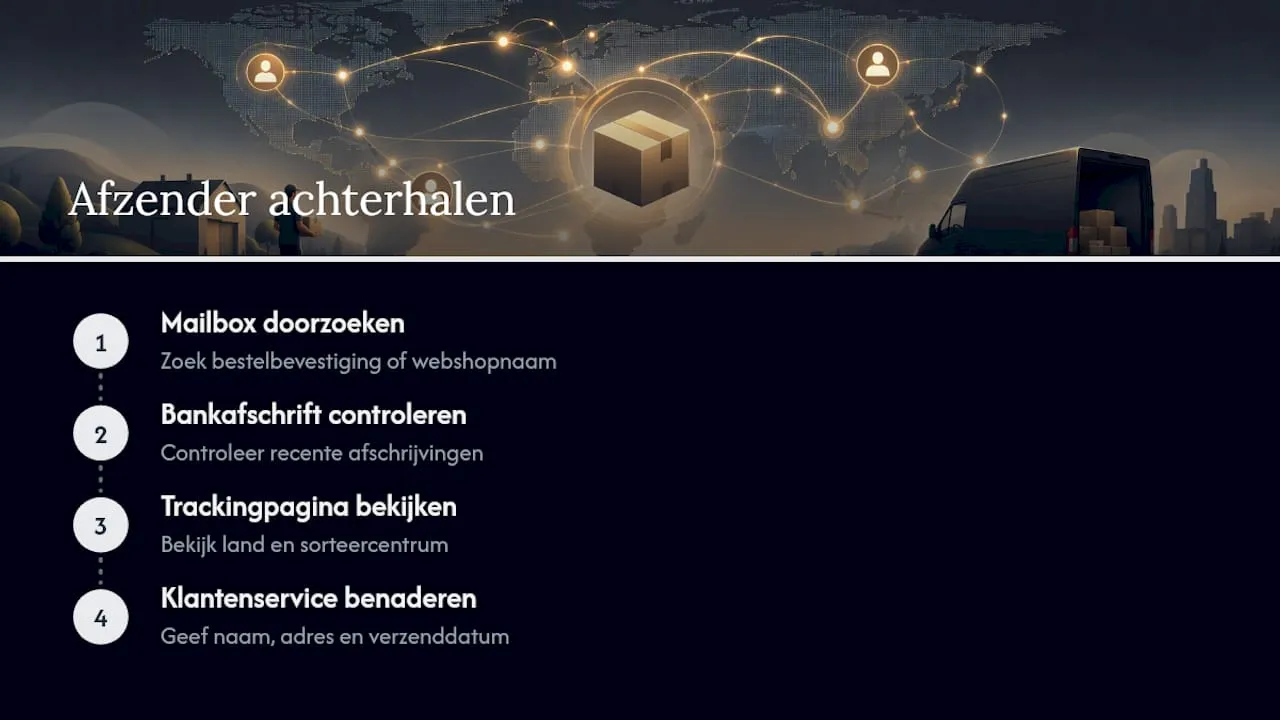
Received a delivery notification for a parcel you weren’t expecting? Start with your inbox: search for “order confirmation,” “shipped,” or the names of online shops where you recently made purchases. Also, check your bank statement for recent transactions that might match the shipment, such as a gift someone else ordered for you.
If you have a tracking number but no idea who the sender is, the tracking page often provides the country of origin and sorting center, which can help identifythe sender. If it remains unclear, contact customer service with your name, full address, and the estimated shipping date. They can often trace the parcel’s origin based on this information.
Practical Support from Parcel International for International DPD Shipments
An experienced service provider like Parcel International helps you compare and book international shipments to many countries and regions. This expertise is precisely what many recipients struggle with: DPD tracking that stops at a border, an unclear sender from abroad, or a parcel arriving through a different network than expected.
Here are a few resources that can help right away:
- Look up track & trace numbers in the Netherlands if you’ve lost the number or never received it.
- Contact DPD Netherlands when the app or tracking page doesn’t respond.
- Find your DPD card number if a parcel point requests additional identification.
Why App-First Management Saves the Most Time
Most delivery delays don’t happen at DPD but with the recipient who responds too late to a status change. Those who enable notifications in the app respond within minutes instead of after a missed attempt. My advice: set one fixed, secure location in myDPD and let the app work for you instead of constantly refreshing the tracking page.
— Pascal
Need Help with an International Shipment?
For parcels crossing borders, tracking can sometimes be slower than with domestic deliveries: customs paperwork, a different sorting center, or a sender choosing the wrong carrier network. Parcel International compares carriers and shipping methods for international shipments and assists with the correct customs documentation, ensuring a parcel doesn’t get unnecessarily held up at a border crossing.
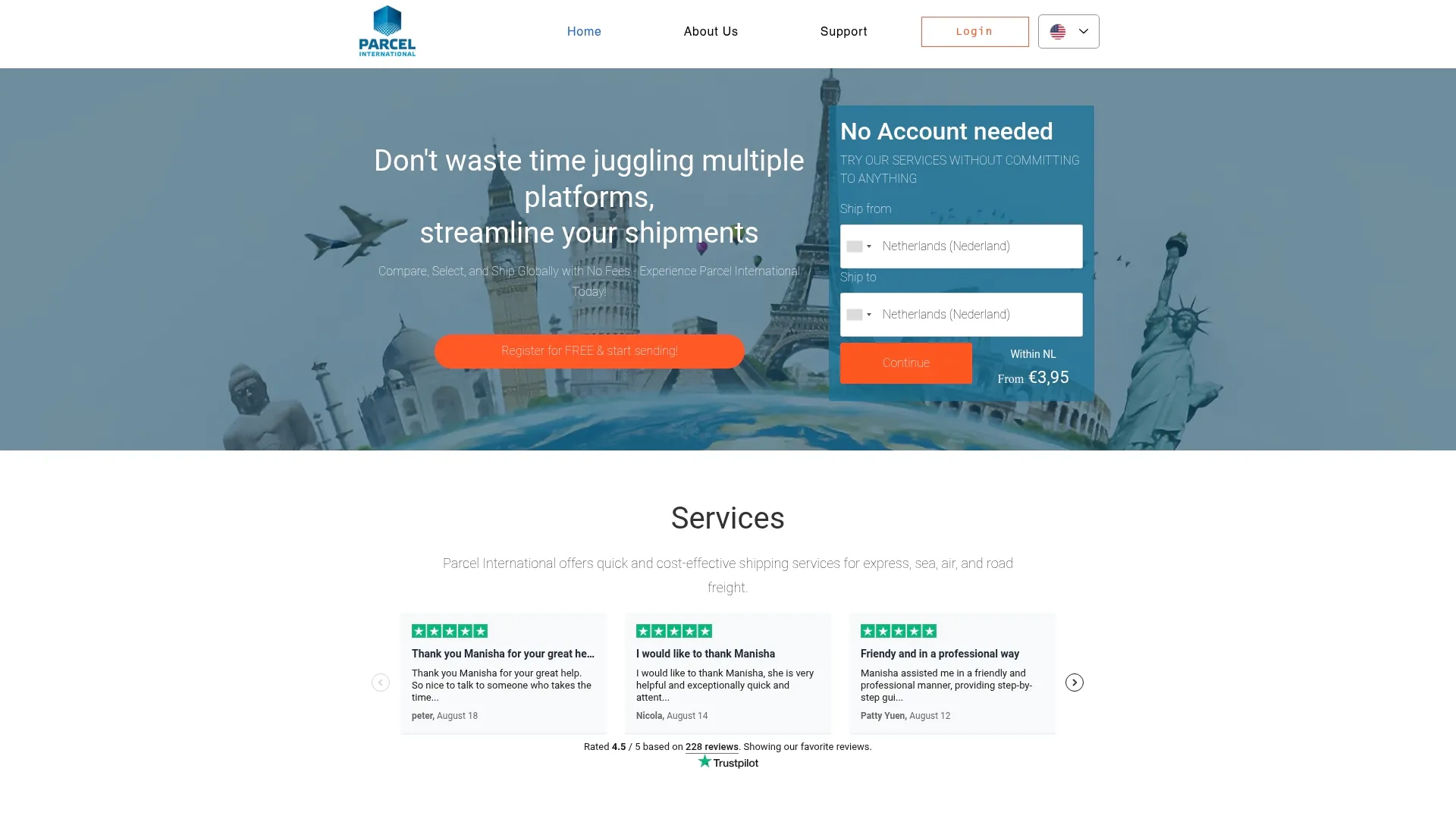
If you’re sending something abroad or expecting an international shipment stuck in tracking, start with the shipping-rules-for-international-parcels. This page outlines in a few key points what you need to arrange before a parcel crosses the border and what to expect as a recipient in terms of processing time and customs clearance.
Can't find your question? Our support team is here for you 24/7 via the help centre.
How can I track my myDPD parcel in the Netherlands?
Enter the tracking number on the DPD tracking page or in the myDPD app; you will then see the current status and the expected delivery window.
What happens if I miss my myDPD delivery?
You will usually receive a delivery notice with instructions: the parcel is at a parcel point, delivered to a neighbor, or will automatically receive a new delivery attempt.
How do I know when DPD will pick up or deliver my parcel?
The tracking page and the app display a time window once the courier has planned their route for the day.
How do I request redelivery for my myDPD parcel?
Via the app or tracking page, you can select a new delivery date or request delivery to a pick-up point. If you encounter issues, DPD customer service can assist, or you can consult the contact guide for DPD Netherlands for the fastest channels.
What if I can’t find the tracking number for my parcel?
First, check your email and order history. If that yields nothing, contact the sender or use the guide-for-finding-tracking-numbers.
Get a grip on your parcel shipping
Compare carriers, choose the best price and keep track of your international shipments. You can calculate and book without an account.