
Change Your Password
You can update your account password from the Change Your Password section in the side menu or directly at transportal.parcelinternational.com/user/updatepassword.
Keeping your password updated helps protect your account and shipment information.
Step 1: Change your password
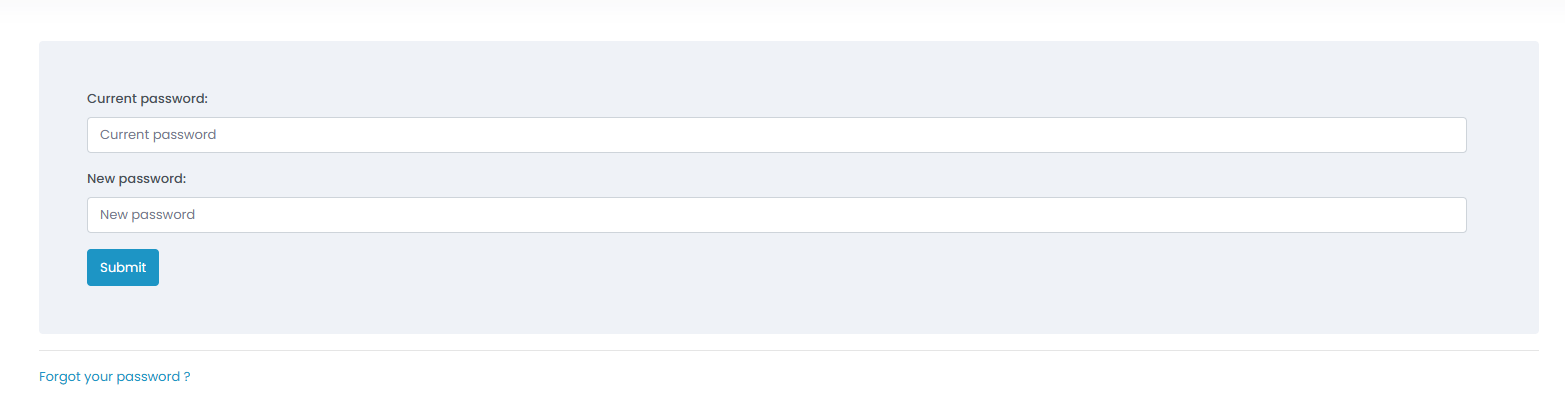
- Open the Change Your Password section from the side menu.
- Enter your current password to verify your identity.
- Type your new password in the provided field.
- Ensure the new password meets the required security standards.
- Click the Submit button to save your changes.
Step 2: Reset a forgotten password
- If you cannot remember your current password, click the Forgot your password? link located at the bottom of the form.
- Enter the email address associated with your account.
- Click the Reset button.
- Check your inbox for the password reset email.
- If you do not receive the email within a few minutes, check your spam or junk folder.
- Open the reset link from the email and follow the instructions to create a new password.
Tips & Tricks
- Update your password regularly, especially if you manage shipment, invoice, or customer information.
- Consider updating your password every 3 to 6 months for improved account security.
- Use a strong and unique password for your account.
- Long passphrases are generally more secure and easier to remember than short complex passwords.
- Avoid reusing passwords across multiple platforms or services.
- Never share your password with others.
- Store passwords securely using a trusted password manager if needed.
This guide is about the customer portal. No account yet? Create one for free.
Still stuck?
Our support team is here for you 24/7.